In a world where software touches seemingly every part of our lives, it’s perhaps no surprise that many of the tools we use every day come from just a handful of Big Tech companies. But as we all know, ‘Big’ isn’t always better.
Here at Root, we like to do things differently. We try to take a more considered approach to the software we use, looking beyond the biggest names and choosing tools that better reflect how we want the internet to work: more ethical, more sustainable, more respectful of people’s privacy, and less dependent on a small number of global brands.
And yes, there might be a small amount of ‘sticking it to the man’ too.
The good news is that, if you are willing to look for them, there are some brilliant alternatives to the default Big Tech tools. And these independent, ethical options are not only simple, reliable, and genuinely useful for businesses, they can also contribute to a more sustainable, privacy-focused internet.
Here are a few of the alternatives we use, rate, or think are worth considering if you want your business software to do its job without handing so much power over to Big Tech.
Website analytics: Fathom Analytics

Website analytics can be a bit of a maze. For years, Google Analytics has been the default ‘choice’ for businesses looking to understand how people use their websites. Figures suggest it has its tracking code embedded in a staggering 46.3% of all websites on the internet. And to be fair, it is incredibly powerful. But it is also incredibly complex.
For many small business owners, it can feel unnecessarily complicated, especially if all you really want to know is the simple headlines, like: how many people visited my site, where did they come from, and which pages are they looking at?
That’s why we use Fathom Analytics across the vast majority of our client websites.
Fathom is a simpler, privacy-focused alternative to Google Analytics. It gives you the website data you actually need, without overwhelming you with complex dashboards, nitty-gritty settings, and mahoosive reports you’re unlikely to ever use.
It also takes a much more respectful approach to visitor privacy. Fathom is designed to work without cookies or invasive tracking, which means businesses can still understand their website performance without collecting unnecessary personal data from the people using their site.
For us, that makes it a much better fit.
Fathom boasts some brilliant positives when compared to the Big Tech alternatives:
- A simple dashboard that is easy to understand.
- Useful website metrics without the complex analytics of other platforms.
- A privacy-first approach that avoids invasive tracking.
- Lightweight tracking code, which helps keep websites running quickly.
- Clear reporting that focuses on the information most small businesses actually need.
It’s a great example of the kind of tool we like: practical, reliable and aligned with a more privacy-conscious web.
Project management: KanbanFlow
Project management tools can get very big, very quickly.
For larger teams with hundreds of projects on the go, that might be useful. But for many smaller businesses, you don’t always need endless automations, integrations, dashboards and notification settings. All you really need is a clear way to see what needs doing, who needs to do it, when it needs to be done by, and what’s already been taken care of.
This is where KanbanFlow comes in.
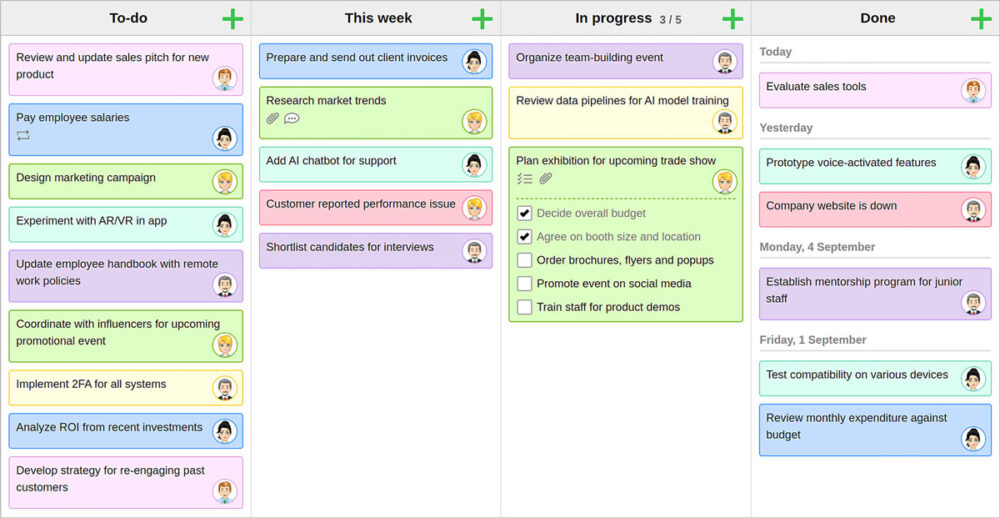
Like Trello, KanbanFlow is based on the Kanban method for project management: a simple, visual system in which tasks move through different stages of work, such as ‘To do,’ ‘In progress’ and ‘Done’.
For a small web design studio like ourselves, this kind of visual project management can be incredibly useful, especially when everyone in the business is wearing multiple hats, with multiple responsibilities and duties. You can use it to manage client projects, plan newsletter content, track website updates, organise internal tasks and keep an eye on those tasks that need doing every month but are easy to forget.
Where KanbanFlow stands out is in its simplicity. It gives you the core features most small teams need, without turning project management into a project in itself. You can create boards, add tasks, assign work, set due dates, track progress and keep everyone up to date with the latest picture.
It also includes built-in time tracking and a Pomodoro timer, which can be useful if you want to understand how long tasks actually take, or to encourage more focused blocks of work.
That doesn’t mean Trello is a bad option. It’s popular for a reason, and for some teams its wider range of integrations and features will be exactly what is needed. But if you’re looking for a simpler, more streamlined alternative, KanbanFlow is well worth a look.
KanbanFlow’s key benefits include:
- A simple visual board that makes work easy to understand at a glance.
- Flexible columns that can be adapted to your own workflow.
- Built-in time tracking for understanding where your time goes.
- A Pomodoro timer for focused work sessions.
- A clean, lightweight feel compared to some of the bigger project management tools.
For small businesses, sometimes the best project management tool is not the all-singing, all-dancing one. It’s the one you’ll actually use.
Video conferencing software: Whereby

Video calls are now a normal part of working life and at Root we see this as largely positive. For small businesses like ours, virtual meetings mean we can do more of the work that pays the bills and make a difference. They save time, reduce unnecessary travel, and make it easier for us to work with the type of lovely clients and collaborators who share our values, regardless of where in the world they are.
The biggest players in this sector are Zoom and Microsoft Teams. These platforms are massively popular around the world and across most business sectors. And while they are both excellent pieces of software (we have certainly used both throughout the years), they do have some less-than-ideal characteristics.
- Unnecessary bloat: They often come with features, downloads, account setups, updates, integrations and settings that are rarely needed for simple client conversations.
- Both are power hungry: Video conferencing software needs a huge amount of energy to run. (Turning off video and removing virtual backgrounds can help reduce energy usage.)
At Root, we regularly conduct video calls, whether that’s team catch-ups between me and Paul or meetings with clients, so choosing a more privacy-conscious and considered video conferencing software was a high priority. For us, Whereby offers a brilliant alternative.
Whereby is a browser-based video conferencing tool, which means guests can join a meeting without having to download an app or create an account. That makes it especially useful for client calls, when you want the experience to be easy and fuss-free from the get-go.
It also lets users create custom meeting links, so instead of randomly generated gibberish, links get a more personal, consistent feel and are easier to share.
For us, there’s loads to love about Whereby:
- It’s a really easy platform to use, which makes it a no-brainer for client calls.
- As a browser-based platform, there’s no need to download an app in order to use it.
- Custom meeting room URLs feel more personal and are easier to remember.
- It’s a European product. For businesses that care about privacy, data protection and supporting companies closer to home, this is a massive win.
- It’s cost-effective for smaller businesses like ours. There is a free version too.
If you want a straightforward video calling tool that’s easy to use, professional, and less tied to the Big Tech ecosystem, Whereby is well worth considering.
Cloud storage: Proton Drive
Cloud storage has become one of those tools many businesses barely think about anymore. We save documents, share folders, back up files and collaborate with clients without really stopping to ask where that data is going, who can access it, or how much control we actually have over it.
For many smaller businesses, the default options are Google Drive and Microsoft OneDrive. Both are useful, familiar and easy to access, especially if you already use Google Workspace or Microsoft 365. But they also keep you inside the Big Tech ecosystem, where your files, emails, calendars and documents are all tied to and reliant upon the same handful of global platforms.
Proton Drive offers a more privacy-focused alternative.
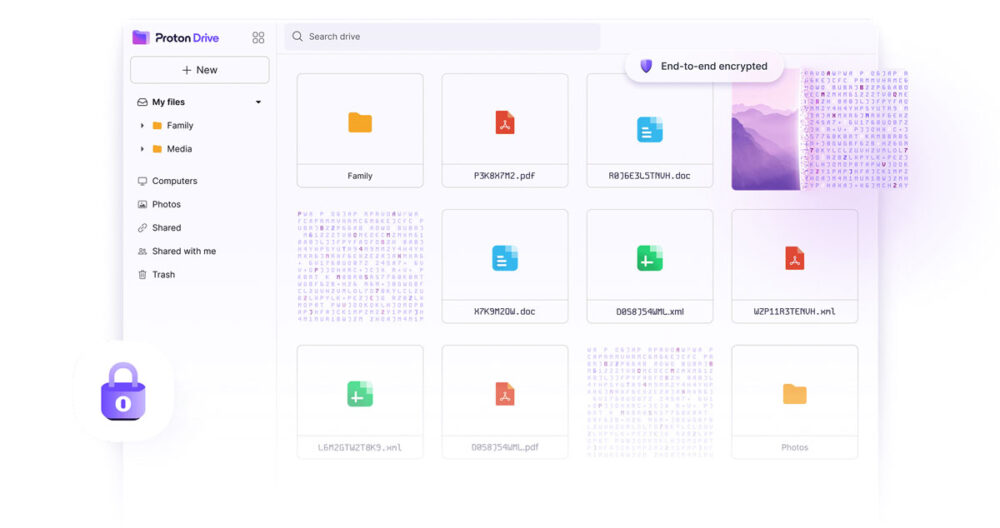
Created by the Swiss team behind Proton Mail, Proton Drive uses end-to-end encryption to provide secure cloud storage that protects your files before they ever leave your device. This means even Proton can’t access them.
You can upload documents, back up files, share folders and send secure links, with extra controls like password protection and expiry dates for shared files.
While the ecosystem integrations of the Big Tech players can be helpful for some businesses, for those that care about privacy and want more control over their files, Proton Drive is a really interesting alternative.
Key benefits include:
- End-to-end encrypted storage.
- Secure file sharing with links, passwords and expiry dates.
- A privacy-first approach from a Swiss company.
- A free plan for getting started, with paid options for more storage.
For small businesses, the question isn’t always about which tool has the most features. Sometimes it’s about knowing where you want your data to live. Proton Drive offers a useful reminder that cloud storage can be convenient without treating privacy as an afterthought.
Web browsers: Ecosia
Your web browser is one of the most-used tools on your device. It’s the gateway to almost everything we do online: searching, shopping, banking, managing websites, checking emails, using cloud tools and, let’s be honest, keeping far too many tabs open and pretending we know where everything is.
For most people, the default choices are Google Chrome, Safari, or Microsoft Edge. As of May 2026, the market share for each of these was 77.9%, 6.9% and 2.3% respectively. They are popular for good reason, too. They are fast, familiar and widely supported. But they also keep much of our everyday browsing activity tied to the same Big Tech companies that already dominate so much of the internet.
They also throw up some other issues that mean they’re not necessarily the best fit for businesses that want to take a stance on ethics and sustainability.
- Google Chrome is an energy guzzler, requiring a huge amount of power and resources to run (partly due to the massive number of extensions).
- Google Chrome collects a huge amount of data from and about its users.
- Microsoft Edge is compatible across devices, but it works best on those powered by Microsoft.
- Safari is only supported on Apple devices, keeping users within that tightly controlled ecosystem.
Ecosia offers a different kind of experience.
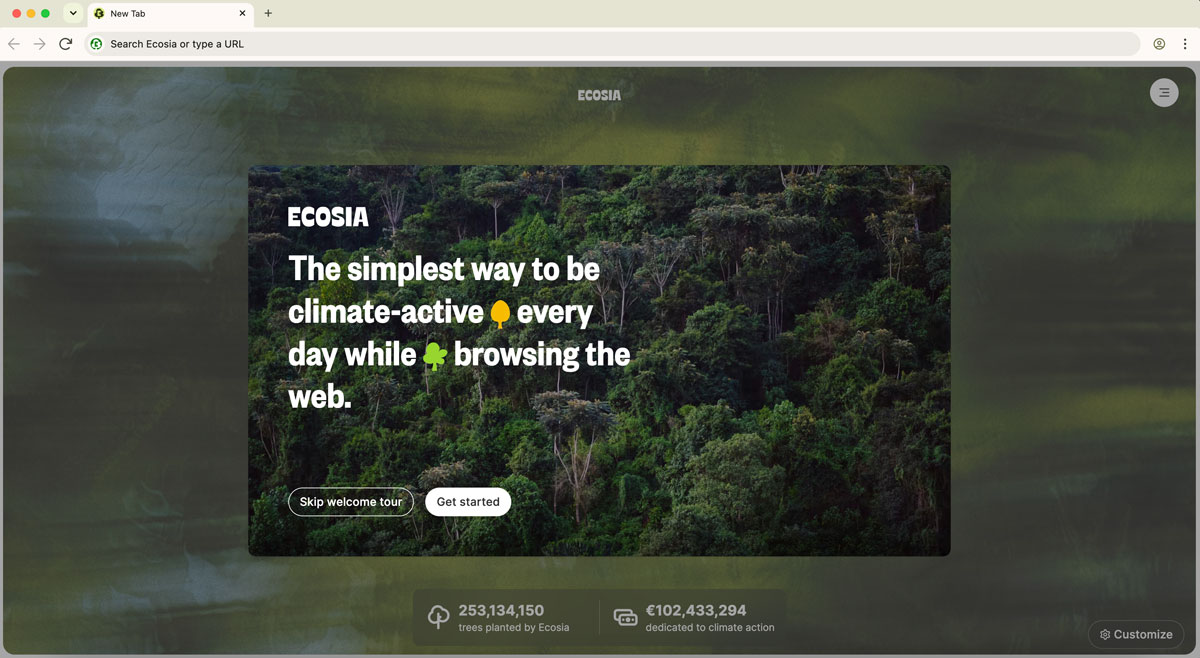
Best known as a search engine that uses its profits for climate action, Ecosia has created its own browser, which it describes as ‘the greenest browser on Earth.’ It’s a bold claim, but its aim is simple: make everyday browsing more climate-friendly, without asking people to radically change how they use the internet.
Related article: How to do SEO for the Ecosia search engine.
Ecosia uses 100% of its profits for the planet, with the majority going into tree-planting projects around the world. It also invests in renewable energy and says it produces more clean energy than is needed to power searches and AI queries on Ecosia. It also takes user privacy seriously, only collecting the data it needs to provide its service, never creating personal profiles, and anonymising IP addresses after a maximum of seven days.
All that aside, the Ecosia browser offers some brilliant features that rival those of the big players in the sector, including:
- The ability to search directly in the URL bar of the browser.
- In-built privacy settings to improve safety when browsing.
- Fast loading times (in line with most browsers nowadays).
Importantly, Ecosia offers a familiar browsing experience, so switching doesn’t feel like a massive technical leap. It’s not about pretending that changing browser will single-handedly fix the ethical quagmire that is the internet – it’s about making small, simple, everyday switches that can help move the needle of digital activity towards something more positive.
For small businesses that care about sustainability, those small switches are worth making.
Web development tools: Gitlab
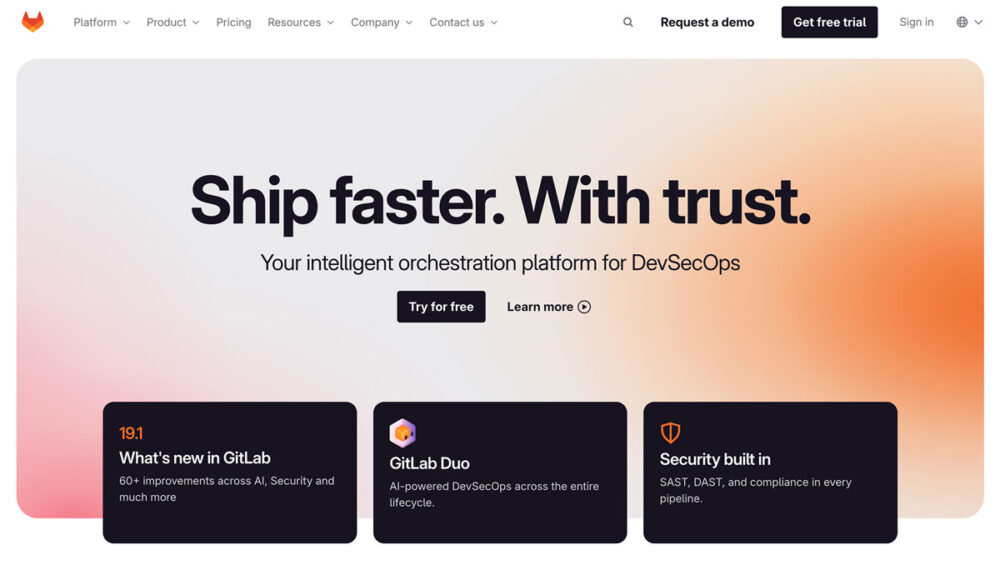
Like GitHub, GitLab is a development platform for storing, managing and collaborating on code. It helps web developers keep track of changes, review work, manage different versions of a website, and collaborate on projects without the risk of files getting lost in email threads or random folders.
The big difference for us is that GitLab can be self-hosted. So instead of relying on Microsoft-owned infrastructure (which is what GitHub does), we can run our own version and keep more control over where our code lives, how it is managed, and who has access to it.
For small businesses, this might all sound a bit technical. But the benefit is simple: it gives your website a proper, traceable history. So instead of changes being made blindly, GitLab helps developers see what changed, when it changed, and why. If something breaks, it is easier to trace the issue and undo it. If several people are working on a project, it is easier to manage their contributions. And if a website needs updating months or even years down the line, there is a clear record of how it was built.
Compared with old-school ways of managing website files, GitLab also supports a more professional development workflow. Alongside version control, it can be used for issue tracking, code review, security scanning, and CI/CD, which is the process of automatically testing and deploying code in a more controlled way.
For us at Root, though, GitLab’s key benefits include:
- A clear history of website code and changes.
- Easier collaboration between developers.
- Better version control, so work is not lost or overwritten.
- The option to self-host, giving us more control over our development environment.
- A more professional workflow for building, reviewing and maintaining websites.
- Less reliance on Microsoft-owned infrastructure.
It might not be a tool many clients will ever need to think about, but it makes a big difference behind the scenes and is a good example of how we can choose tools more intentionally. For us, the value is in the process it supports: clearer development, better accountability, and websites that are easier to maintain properly over time.
Conclusion
The tools we use every day might feel like small choices, but they all shape the kind of internet our businesses support. If you’re looking to move away from the default Big Tech options, we hope this article has highlighted a few simple swaps you can make to ensure your digital setup is more considered, more privacy-focused and more aligned with your environmental values.
We’ve looked at how:
- Big Tech tools are popular for a reason, but they aren’t always the only – or even the best – option for small businesses.
- Fathom Analytics offers a simpler, more privacy-focused way to understand how people use your website.
- KanbanFlow gives small businesses a clear, visual way to manage work, without making project management a project in itself.
- Whereby makes video calls easy for clients and keeps meetings simple, browser-based and privacy-conscious.
- Proton Drive gives businesses a secure, encrypted option for storing and sharing files in the cloud.
- Ecosia turns everyday browsing and searching into measurable climate action.
- GitLab gives us a more controlled, self-hosted way to manage code so we can ensure a professional, transparent website development process.
The key takeaway is not that every business needs to swap every tool immediately. It’s that your software choices matter. And that making more conscious, more informed choices can impact your privacy, your digital footprint, your working habits, and the way you put your values into practice in your business each day.
Further reading
- Check out more digital sustainability tips from Root.
- Learn more about the pros and cons of the popular web browsers.